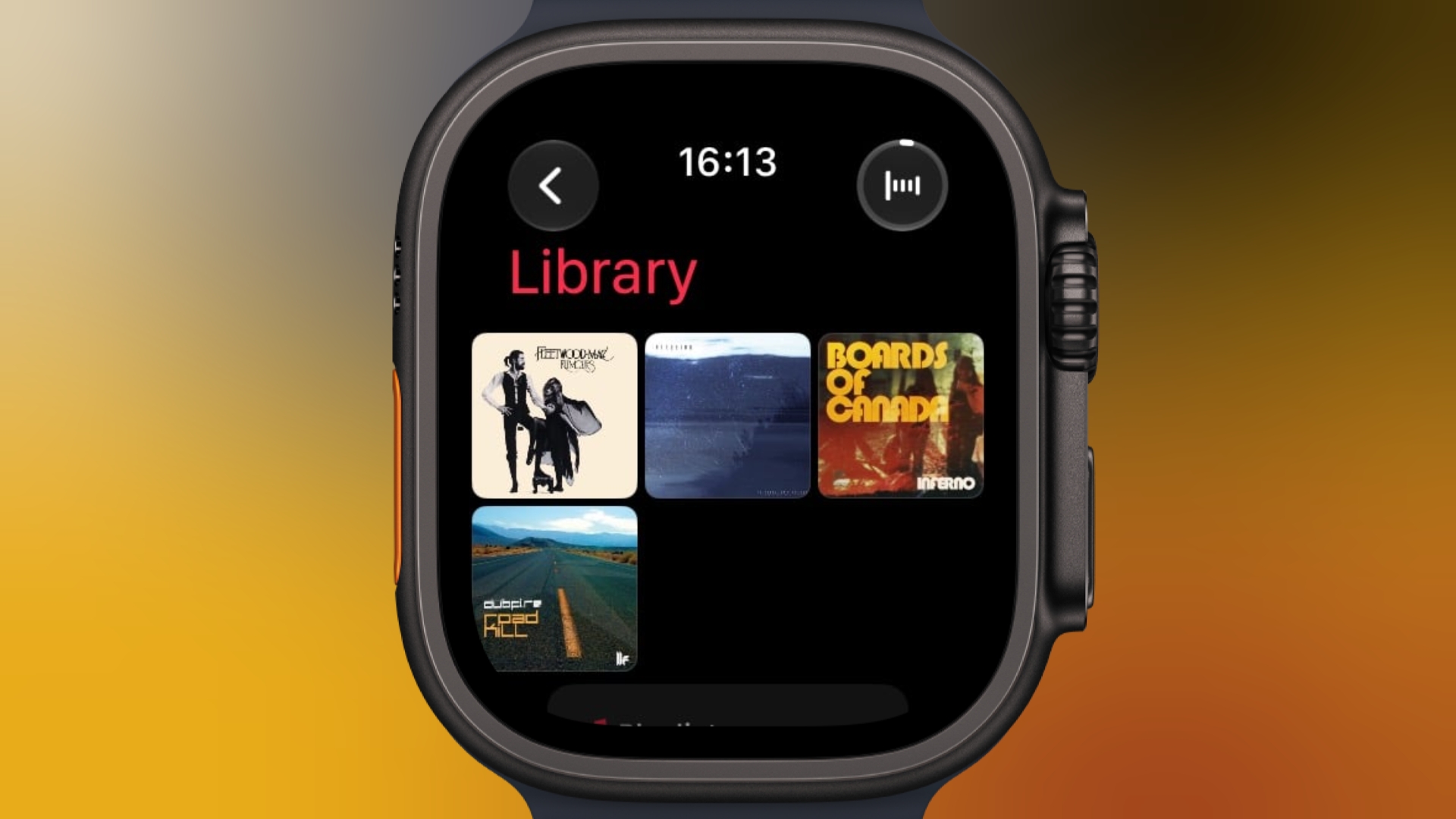
Pin Music to the Top of Your Apple Watch Music Library
If you have an Apple Watch running watchOS 27 and you’re an Apple Music subscriber, you can pin music to the top of your library to make it easier to find and play – great for those times when you’re in the mood for a specific track, artist, album, or playlist.
In the Music app on your Apple Watch, when viewing a song, tap the three dots next to the song, then tap Pin [item]. You can also do this from the Now Playing screen via the three-dots button. You’ll see the same option when viewing playlists, artists, and albums on your watch. To unpin an item from the top of your Library, press and hold the item, then tap Unpin.Related Roundups: Apple Watch 12, watchOS 26, watchOS 27Buyer’s Guide: Apple Watch (Buy Now)Related Forum: Apple WatchThis article, “Pin Music to the Top of Your Apple Watch Music Library” first appeared on MacRumors.comDiscuss this article in our forumsMacRumors: Mac News and Rumors – Front PageRead More