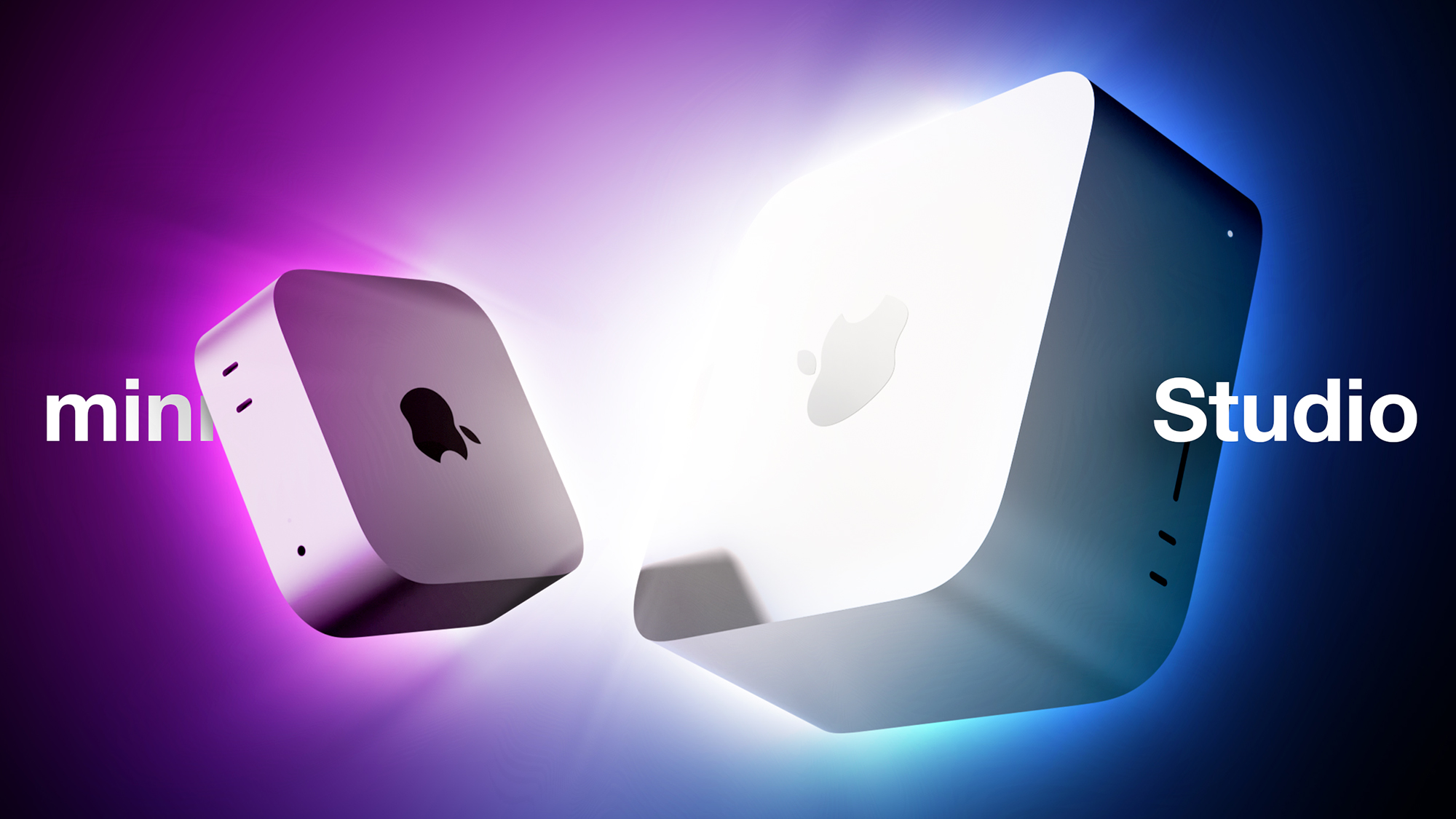
Mac Mini vs. Mac Studio Buyer’s Guide: 20 Differences Compared
Apple announced new Mac mini and Mac Studio models last month, with both available to pre-order now. It is the first time in years that Apple has revised its two desktop Macs simultaneously, so which should you choose?
There are now two desktop Macs to choose from following the discontinuation of the Mac Pro, but the prices have moved sharply. The Mac Studio starts at $2,499 and rises to $5,499 for the M5 Ultra model, while the Mac mini starts at $899 with the M6 chip and $1,699 with the M5 Pro.
Those prices come on top of the across-the-board Mac and iPad increases Apple made in June, which took the Mac mini from $599 to $799, the M4 Pro configuration from $1,399 to $1,599, and the Mac Studio from $1,999 to $2,499. The M5 Ultra adds a further $200 to the post-June M3 Ultra price, putting it $1,500 above what the M3 Ultra cost at launch.
Our guide helps to answer the question of how to decide which of these two desktop Macs is best for you. The two machines now share a large number of key features, including:
A boxy silver aluminum enclosure with no color options
Apple’s N1 chip, bringing Wi-Fi 7 and Bluetooth 6 to both machines for the first time
Neural Accelerators built into every GPU core
Hardware-accelerated ray tracing
A Media Engine with hardware-accelerated H.264, HEVC, ProRes, and ProRes RAW, plus AV1 decode
A next-generation SSD architecture that Apple says is up to twice as fast as before
Genlock support over USB-C for synchronizing a display with a camera, including the iPhone 17 Pro
An HDMI port with multichannel audio output
A 3.5mm headphone jack with support for high-impedance headphones
Beyond that, the two lines diverge on chip generation, memory capacity, ports, and external display support.
Mac mini (M6)
Mac mini (M5 Pro)
Mac Studio (M5 Max)
Mac Studio (M5 Ultra)
M6 chip
M5 Pro chip
M5 Max chip
M5 Ultra chip (two dual-die M5 Max chips joined by UltraFusion)
Made with TSMC’s 2nm process
Made with TSMC’s 3nm process
Made with TSMC’s 3nm process
Made with TSMC’s 3nm process
12-core CPU (2 super cores + 4 performance cores + 6 efficiency cores)
15- or 18-core CPU (up to 6 super cores + 12 performance cores)
18-core CPU (6 super cores + 12 performance cores)
30- or 36-core CPU (up to 12 super cores + 24 performance cores)
12-core GPU
16- or 20-core GPU
32- or 40-core GPU
64- or 80-core GPU
Dual 16-core Neural Engine
16-core Neural Engine
16-core Neural Engine
32-core Neural Engine
Up to 170GB/s memory bandwidth
307GB/s memory bandwidth
Up to 614GB/s memory bandwidth
1.2TB/s memory bandwidth
16GB, 24GB, or 32GB unified memory
24GB, 48GB, or 64GB unified memory
32-core GPU: 36GB unified memory
40-core GPU: 48GB, 64GB, or 128GB unified memory
64-core GPU: 96GB or 256GB unified memory
80-core GPU: 96GB, 256GB, or 512GB unified memory
256GB, 512GB, 1TB, or 2TB storage
512GB, 1TB, 2TB, 4TB, or 8TB storage
512GB, 1TB, 2TB, 4TB, or 8TB storage
1TB, 2TB, 4TB, 8TB, or 16TB storage
Video decode engine
Video decode engine
Video decode engine
Two video decode engines
Video encode engine
Video encode engine
Two video encode engines
Four video encode engines
ProRes encode and decode engine
ProRes encode and decode engine
Two ProRes encode and decode engines
Four ProRes encode and decode engines
Support for up to three displays: two at 6K 60Hz or 4K 165Hz, plus a third at 5K 60Hz over Thunderbolt or 4K 60Hz over HDMI
Support for up to three displays, all at 6K 60Hz or 4K 165Hz
Support for up to five 4K displays, four 6K displays, or two 8K displays
Support for up to eight 4K displays, eight 6K displays, or four 8K displays
Two displays per Thunderbolt port
All three displays through a single Thunderbolt port
Three rear Thunderbolt 4 ports
Three rear Thunderbolt 5 ports
Four rear Thunderbolt 5 ports
Four rear Thunderbolt 5 ports
Two front USB-C ports
Two front USB-C ports
Two front USB-C ports
Two front Thunderbolt 5 ports
Two rear USB-A ports
Two rear USB-A ports
2.5Gb Ethernet or 10Gb Ethernet port
2.5Gb Ethernet or 10Gb Ethernet port
10Gb Ethernet port
10Gb Ethernet port
SDXC card slot (UHS-II)
SDXC card slot (UHS-II)
Bottom power button
Bottom power button
Rear power button
Rear power button
Starts at $899
Starts at $1,699
Starts at $2,499
Starts at $5,499
Both enclosures carry over unchanged, so the dimensions of the two devices remain radically different, with the Mac Studio dwarfing the Mac mini in every way.
Mac mini
Mac Studio
Height
2.0 inches (5.0 cm)
3.7 inches (9.5 cm)
Width
5.0 inches (12.7 cm)
7.7 inches (19.7 cm)
Depth
5.0 inches (12.7 cm)
7.7 inches (19.7 cm)
Weight
M6: 1.5 pounds (0.67 kg)
M5 Pro: 1.6 pounds (0.73 kg)
M5 Max: 6.0 pounds (2.7 kg)
M5 Ultra: 8.0 pounds (3.6 kg)
Most customers should choose the M5 Pro Mac mini over the M5 Max Mac Studio, saving $800 on the base models. The gap widens across custom configurations, since the Mac Studio’s memory and storage tiers start higher and climb further.
There is an unusual situation at the bottom of the lineup this year. The $899 Mac mini is the only machine of the four with a latest-generation chip, and the M6 is Apple’s first 2nm chip. Its Dual 16-core Neural Engine, which Apple says system frameworks can drive simultaneously, is also more Neural Engine hardware than either the M5 Pro or the M5 Max provides. If your workload leans on on-device machine learning rather than sustained CPU or GPU throughput, the cheapest Mac in this comparison is not obviously the weakest one for the task. The trade-offs are Thunderbolt 4 rather than Thunderbolt 5, a 32GB memory and 2TB storage ceiling, and a single video encode engine.
You should only consider the Mac Studio if you have a professional workflow that can genuinely leverage the M5 Max or the M5 Ultra, along with the additional ports, display outputs, and memory capacity. If you need the Mac Studio, you will likely already know that you are looking for a highly powerful machine capable of supporting a specific intense workload. The M5 Ultra is Apple’s first quad-die M-series chip, and its four ProRes engines, four video encode engines, and 1.2TB/s of memory bandwidth are aimed squarely at multi-stream video work and large local AI models. The 512GB memory ceiling has no equivalent anywhere else in the Mac lineup, and it is what allows models with hundreds of billions of parameters to run entirely on device.
The Mac Studio still has a superior selection of ports, with four rear Thunderbolt 5 ports on the M5 Max and six in total on the M5 Ultra, plus an SDXC card slot, USB-A, and 10Gb Ethernet as standard. This makes a practical difference for anyone working off fast external storage or camera media. The Mac mini has closed part of the distance by moving to 2.5Gb Ethernet as standard, up from Gigabit.
Clustering over Thunderbolt 5 and RDMA is not a point of difference between the two machines, since it arrived in macOS 26.2 last December and works on any Mac with Thunderbolt 5, including the M5 Pro Mac mini and the previous-generation Mac Studio. The exception is the M6 Mac mini, which has Thunderbolt 4 and cannot take part.
Both Mac mini models still cap out at three external displays, but they now reach 165Hz at 4K, up from 144Hz on the M4 generation, and the M5 Pro model drives all three through a single Thunderbolt port. For a three-display desk setup at high refresh rates, the M5 Pro Mac mini is sufficient. It is only above three displays, or at 6K and 8K, that the Mac Studio becomes necessary.
A notable exception arises at the top of the Mac mini lineup. An M5 Pro Mac mini configured with additional memory and storage moves close enough to the $2,499 Mac Studio that the comparison changes somewhat. For an increment of a few hundred dollars, the Mac Studio substitutes a chip with roughly twice the memory bandwidth, a second video encode engine, far greater display support, and headroom to 128GB of unified memory. If you are already spending heavily on a Mac mini, price the Mac Studio before committing.
If you plan to keep the machine for many years, the Mac Studio’s ceiling matters more than its starting price, because it is the only one of the two that can be configured beyond 64GB of unified memory. Buyers weighing the M6 Mac mini against the M5 Pro Mac mini should note that the newer chip generation and the newer process node both sit in the cheaper machine, and that the M5 Pro’s advantages are concentrated in multi-core and graphics performance rather than in longevity.
To some extent, purchasing decisions should be driven by budget, but any savings on the computer itself can be put toward a good external display such as Apple’s Studio Display, which starts from $1,599 and was one of the few products spared June’s price rises. An M6 Mac mini paired with a Studio Display comes to $2,498, a dollar less than a bare M5 Max Mac Studio with nothing to plug into. An M5 Pro Mac mini and a Studio Display together come to $3,298, which is $799 more than the base Mac Studio and $2,201 less than the M5 Ultra Mac Studio with no display at all.
Both machines are available to pre-order now and arrive on Tuesday, September 22, with education pricing of $799 and $1,599 on the two Mac mini models and $2,299 and $5,099 on the two Mac Studio models. Mac Studio configurations with 512GB of unified memory are not due until late October.Related Roundups: Mac Studio, Mac miniTag: M5Buyer’s Guide: Mac Studio (Buy Now), Mac Mini (Buy Now)Related Forums: Mac Studio, Mac miniThis article, “Mac Mini vs. Mac Studio Buyer’s Guide: 20 Differences Compared” first appeared on MacRumors.comDiscuss this article in our forumsMacRumors: Mac News and Rumors – Front PageRead More