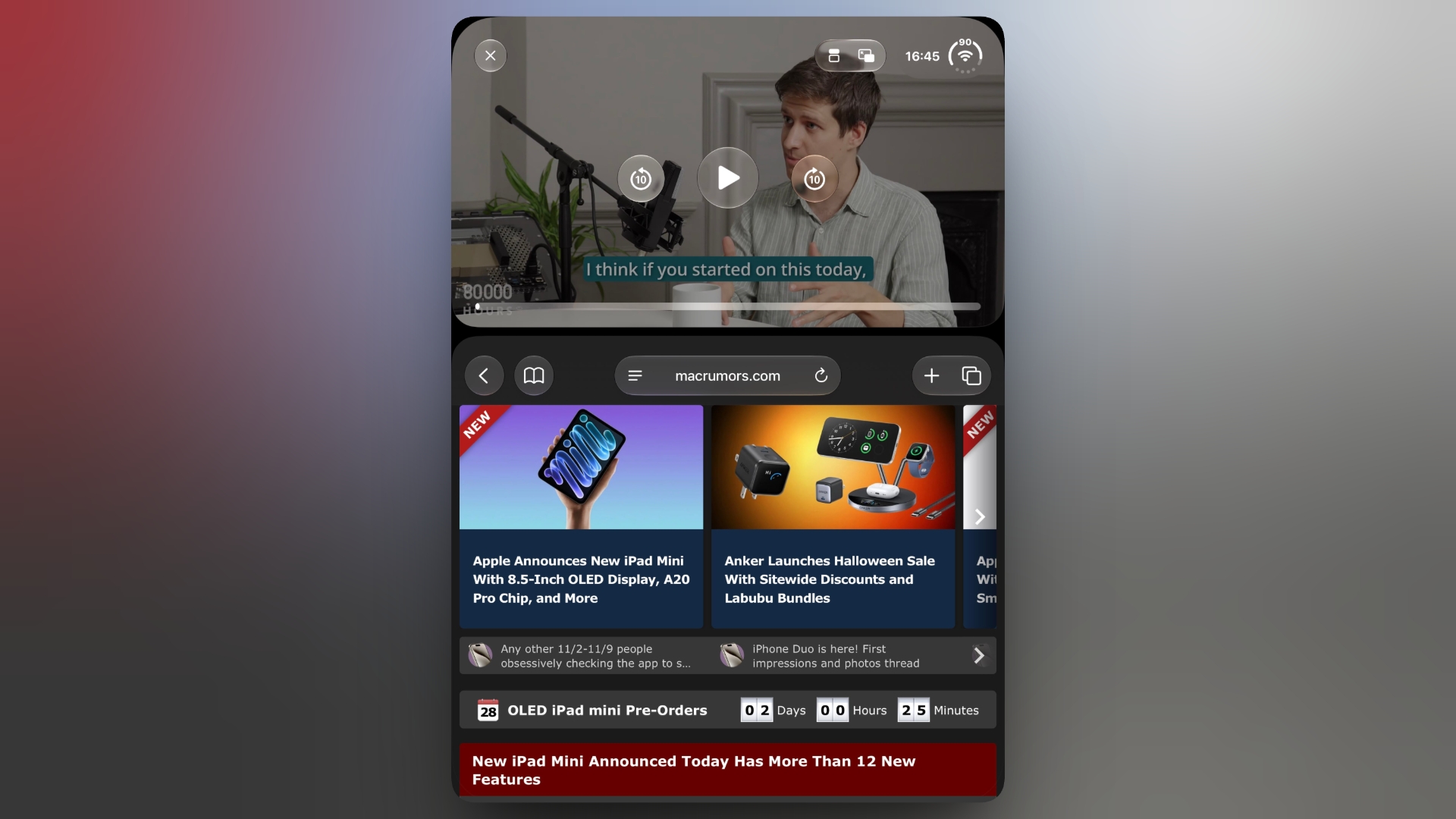
iPhone Duo: Watch Video Above an App in Portrait Mode
The iPhone Duo’s two-app multitasking feature works side by side in landscape, but rotating the inner display to portrait usually drops you back to a single app. However, there is a workaround to keep a video playing above an open app in portrait, and it involves Picture in Picture.
Both the inner and outer displays on the iPhone Duo share the same 1:1.4 aspect ratio, and each half of the inner display works out to roughly the same size and shape as the outer screen. That even split gives each app a canvas it already has to support, with the divider sitting neatly on the fold. The only apparent exception to this is when watching a TV show or movie above another app in portrait mode – but there’s a trick to getting it working.
With your iPhone Duo unfolded in portrait orientation, follow these steps:
Start playing a video in an app that supports Picture in Picture, such as Apple TV or Apple Podcasts.
Tap the Picture in Picture icon to shrink the video into a floating window.
Swipe up to return to the Home Screen, then open the app you want to use (note: it can’t be another video app).
Tap the icon that appears in the PiP window to stack the video above the open app.
It’s a bit of a fiddle, but it works for most apps that support PiP. Whether Apple makes it a little easier to do in a future update remains to be seen.Related Roundup: iPhone DuoBuyer’s Guide: iPhone Duo (Buy Now)Related Forum: iPhoneThis article, “iPhone Duo: Watch Video Above an App in Portrait Mode” first appeared on MacRumors.comDiscuss this article in our forumsMacRumors: Mac News and Rumors – Front PageRead More